
The World's Best Storytelling Tool
Pixton is a comic and avatar maker for the classroom and beyond.
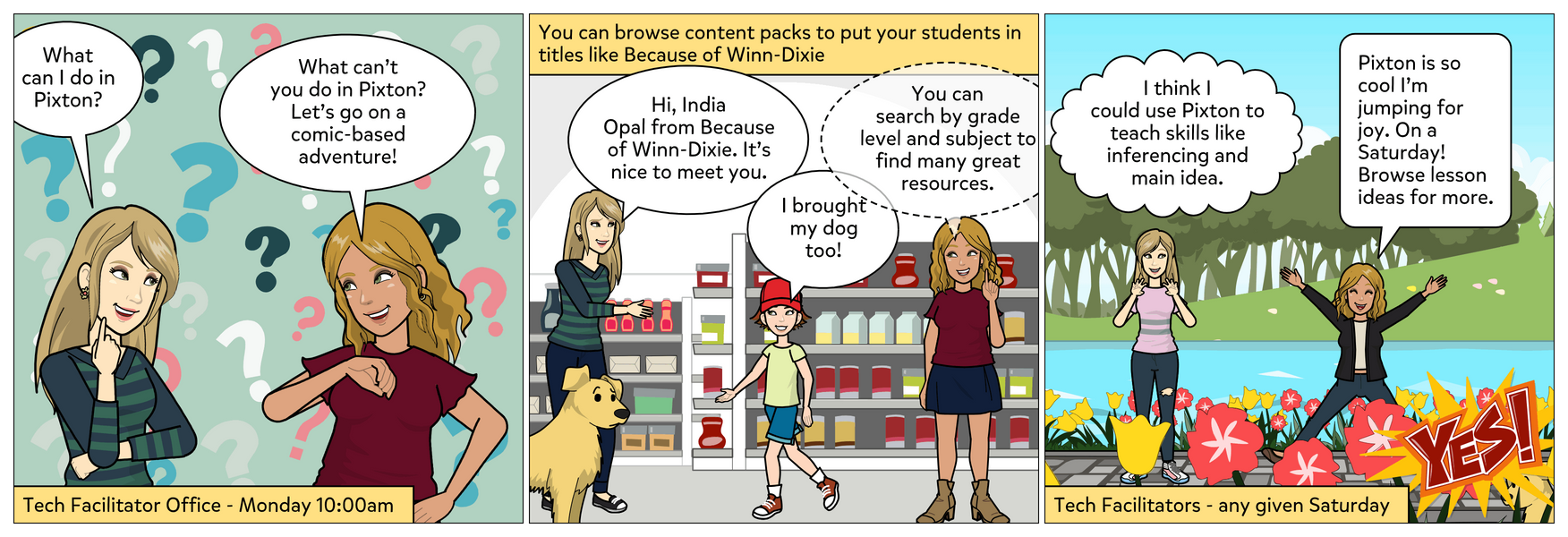

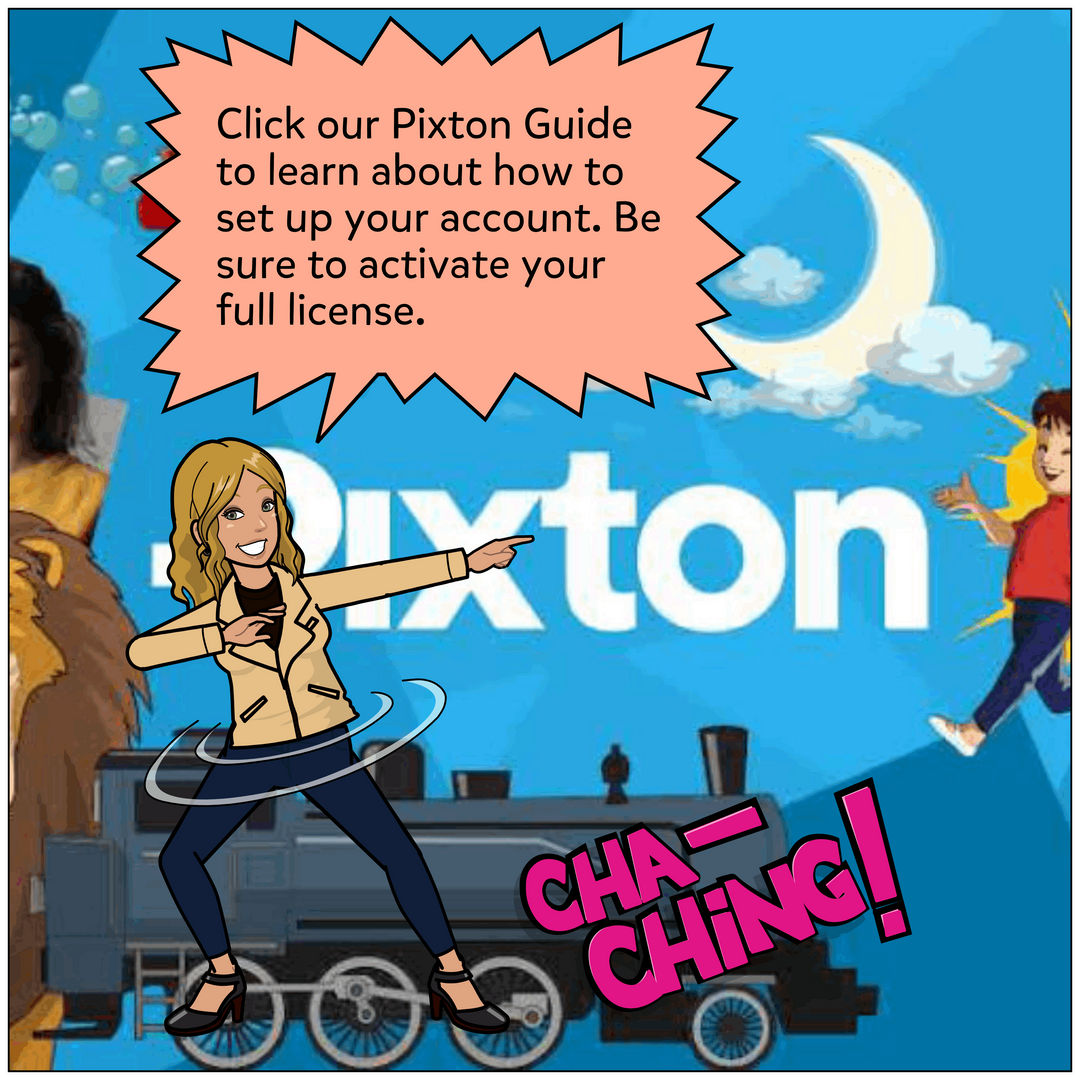
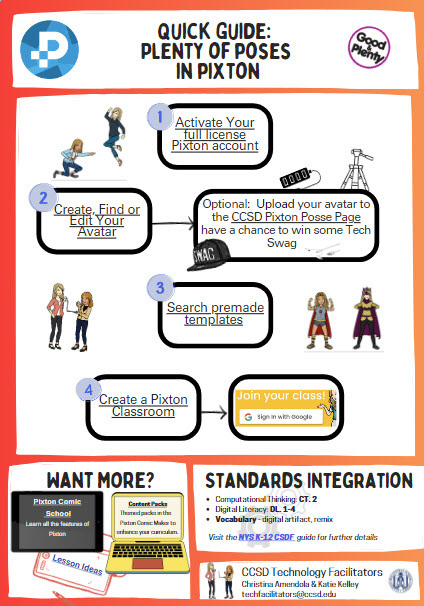
Scroll through our site to check out what Pixton can do and how to use it.


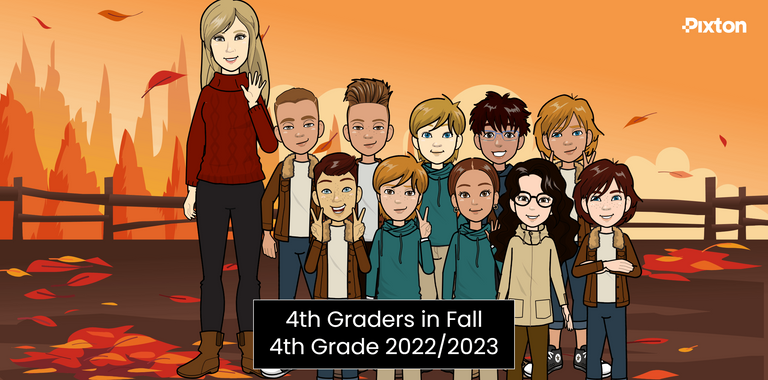
Try a Class Photo!
You can even use the photo as a banner in Google Classroom.

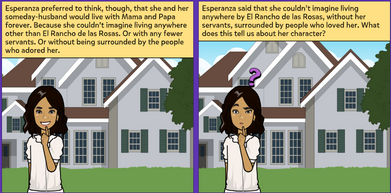
Make Inferences
Students can practice expressing their ideas and inferences about a text.

Click the
in each box to view helpful links on each topic.
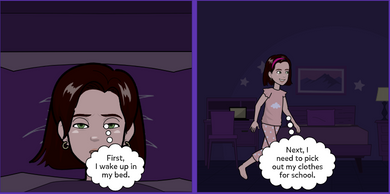
Sequence Time and Events
Students use Pixton and sequencing words to describe the order of events in a story when speaking and writing.
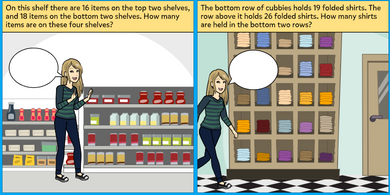
Write Word Problems
Students and teachers can have their avatar move through word problems and pick graphics to match.
Comic School
Six learning modules with Slides, worksheets, and lesson plans to help teachers and students get the most out of Pixton.


Content Packs
Browse themed packs of backgrounds, characters, outfits, facial expressions, actions and more – for use in the Pixton comic maker.
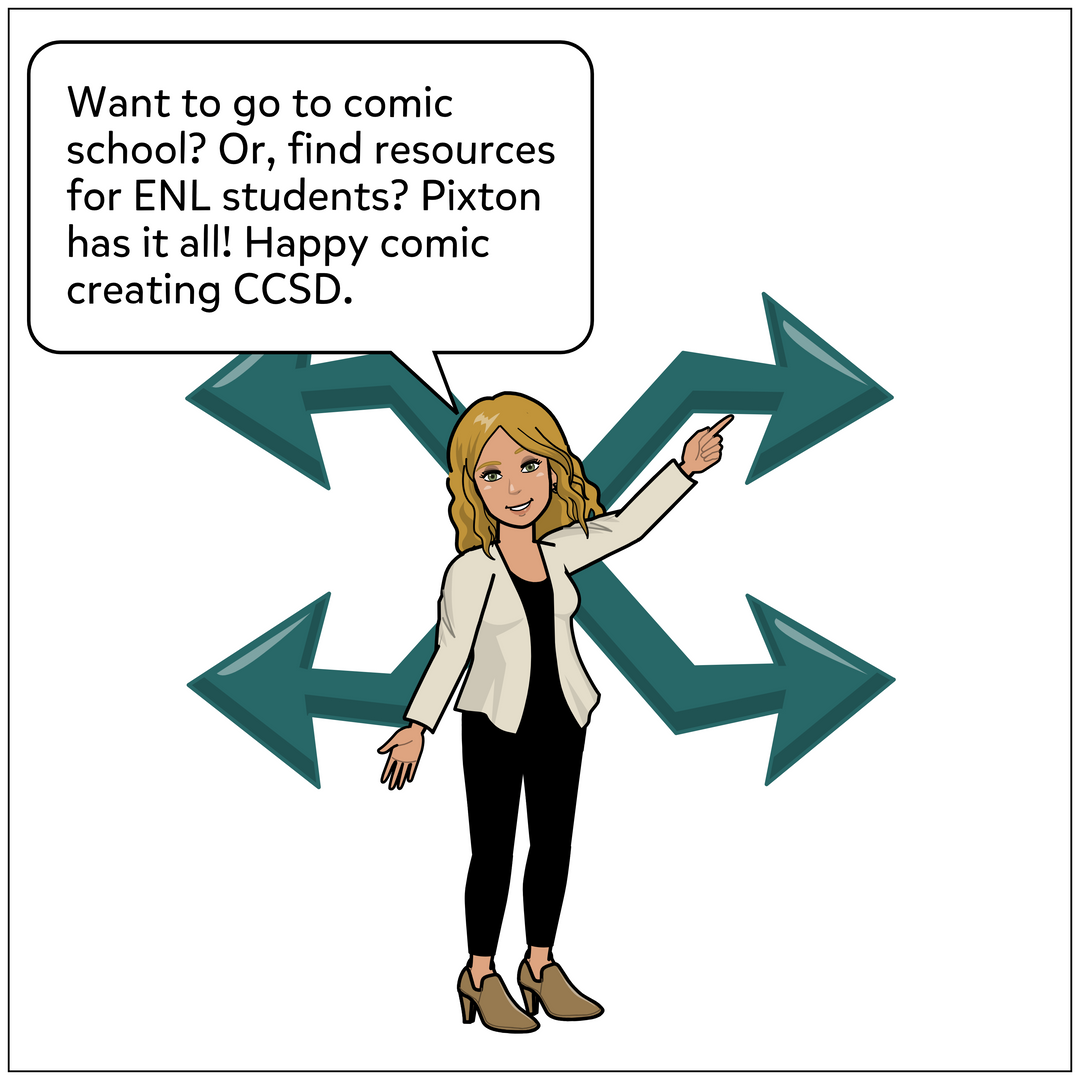
Click the
in each box to view helpful links on each topic.
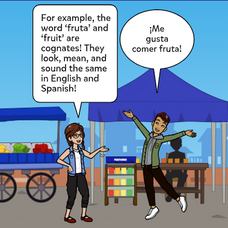
Resources for ELL
In Lesson Ideas, search for the subject ESL/ELL to find many resources for language acquisition. Or, click the link for a comic on cognates.
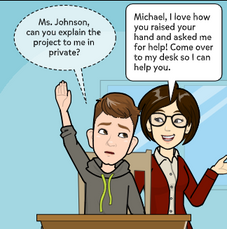
Resources for Special Education
In Lesson Ideas, search for the subject Special Education to find lessons on executive functioning for your students. Or, click the link for a comic on self-advocacy.